Overview
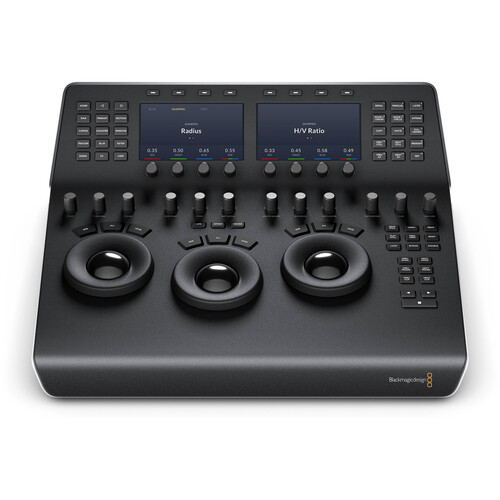
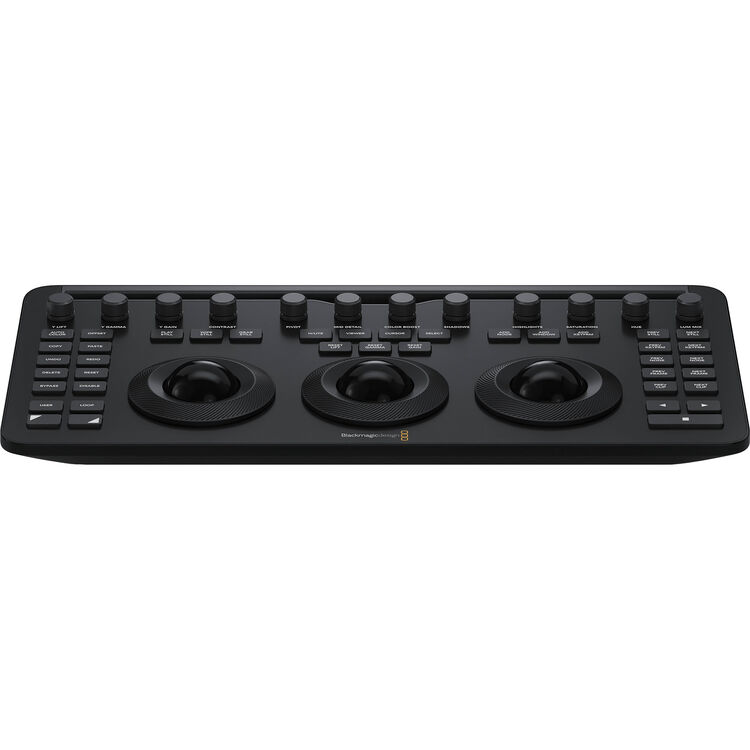
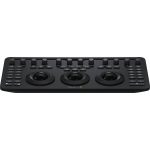
The DaVinci Resolve Micro Colour Panel is a compact and powerful tool for creating cinematic images. It features direct control knobs, trackballs, and transport keys for quick and precise colour grading. The panel also includes a tablet slot for holding an iPad and can be connected via Bluetooth or USB-C. Whether you are a beginner or a professional colourist, this panel allows for faster and more creative work by providing hands-on control over multiple parameters simultaneously.
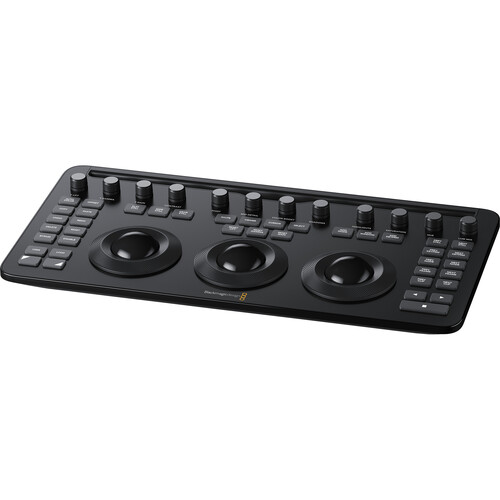
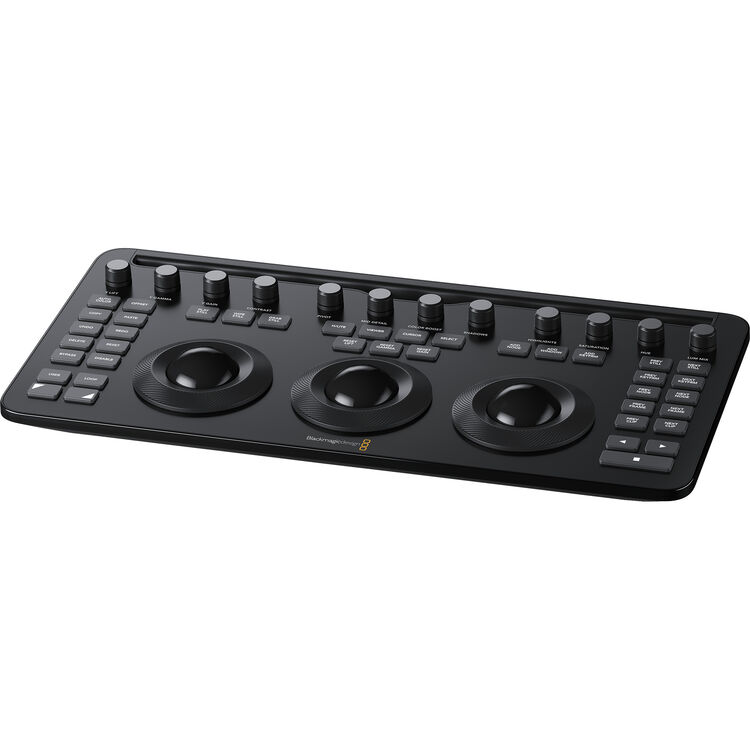
The Micro Colour Panel has 3 high-resolution trackballs and 12 precision control knobs for primary correction features. It is powered by battery or USB-C and can be easily placed next to a computer keyboard for convenient access while editing. The panel also has transport and grading control buttons for commonly used commands. Those familiar with the DaVinci Resolve Advanced Panel will find the shift keys on the Micro Colour Panel in the same position, making it easy to transition between the two. Overall, the Micro Colour Panel offers a professional feel and efficient workflow for colourists of all levels.
Included in box
1x DaVinci Resolve Micro Colour Panel
1x Welcome wallet with QR code for software download
1 Year Limited Manufacturer’s Warranty
About the Blackmagic DaVinci Resolve Micro Colour Panel
Please Note: Some functionality is designed to work with the latest version of Blackmagic DaVinci Resolve.
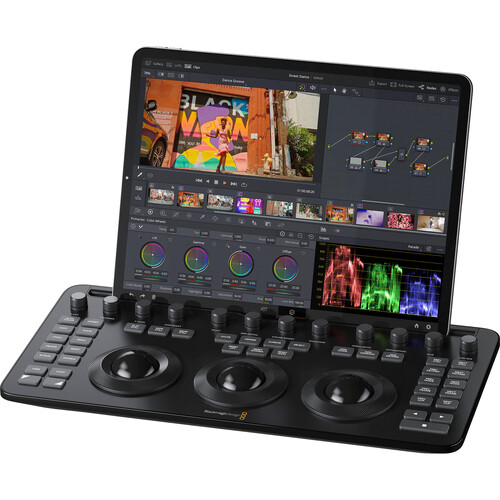
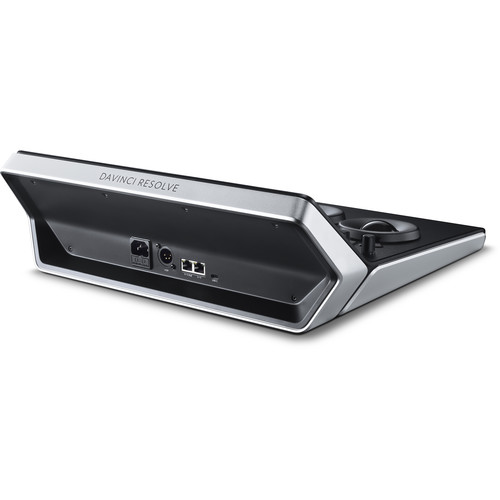
The DaVinci Resolve Micro Colour Panel is a compact yet powerful colour panel that gives you all the control you need to create cinematic images. The Micro Panel features a row of direct control knobs at the top of the panel, three trackballs with rings for colour grading and transport keys to speed up your grading session. Includes controls for refined colour grading including adding windows and a tablet slot designed to hold an Apple iPad. Connects via Bluetooth or USB-C.
Whether customers just getting started or are a professional colourist, DaVinci Resolve Micro Colour Panel lets them work faster and be more creative. The panel allows fluid, hands on control over multiple parameters at the same time for more creative options. Customers can work much faster than what is possible with a mouse. All knobs, dials and buttons are high quality and have been custom designed to produce the perfect amount of resistance, so customers can accurately fine tune any parameter.
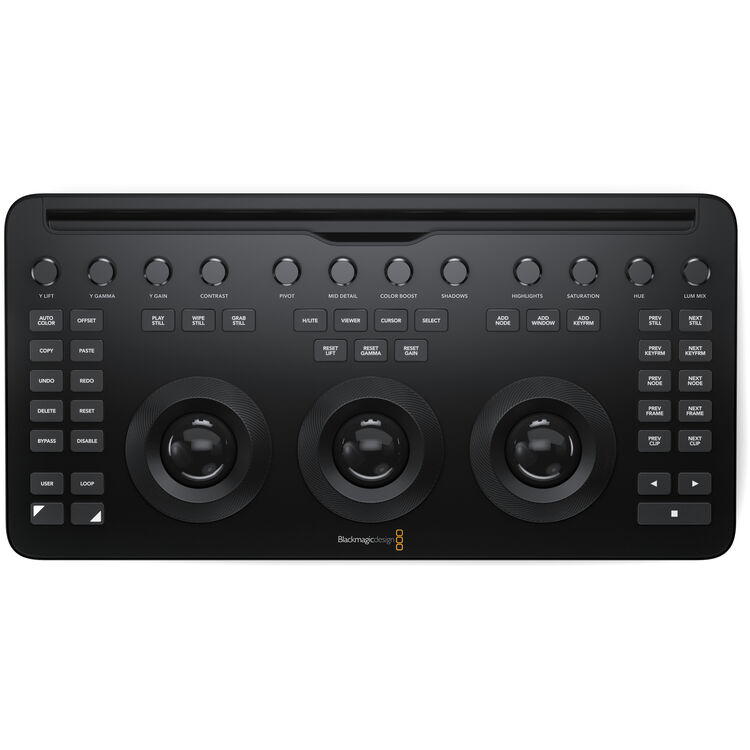
The new DaVinci Resolve Micro Colour Panel features 3 high resolution weighted trackballs and 12 precision machined control knobs which give direct access to the most powerful primary correction features, making it easy to experiment and try new combinations. The primary knobs can be used to control Y Lift, Y Gamma, Y Gain, Contrast, Pivot, Mid-tone Detail, Colour Boost, Shadow, Highlight, Saturation, Hue Rotation and Luminance Mix.
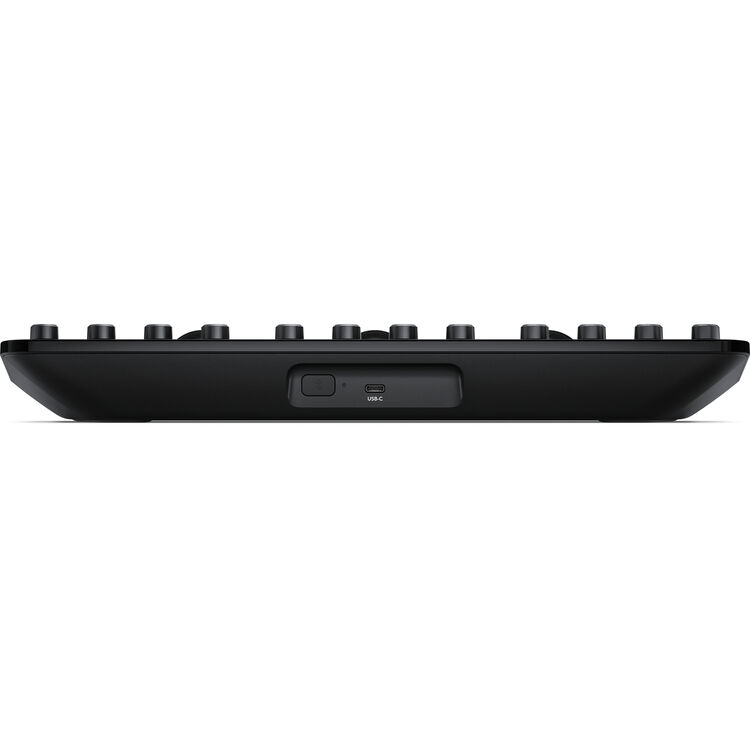
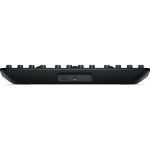
Not much larger than a computer keyboard, the DaVinci Resolve Micro Colour Panel is battery and USB-C powered. It connects to DaVinci Resolve via Bluetooth or USB-C. When not being used with an iPad Pro, it’s perfect for placement next to a laptop or computer keyboard so editors or colourists can easily move between the keyboard and control panel as they edit, allowing simultaneous grading and colour correction.
In addition, the DaVinci Resolve Micro Colour Panel has a range of transport and grading control buttons on the left, top and right side of the panel that put the most important and commonly used commands at the customer’s fingertips, so they can work faster. Many of these controls, such as wipe still, cursor and select have only been available on the much larger Mini or Advanced grading panels.
Customers who have used the DaVinci Resolve Advanced Panel will find the shift keys on the DaVinci Resolve Micro Colour Panels familiar. Many of the controls are in the same position and the trackballs are designed with a similar professional feel so existing DaVinci Resolve colourists can feel comfortable on the new panel. The shift up and shift down keys triple the functionality of the panel. DaVinci Resolve Micro Colour Panel even lets customers adjust a power window shape, size and position, even its softness, or resize the input image, all with the same trackballs and rings customers use for grading.