Overview
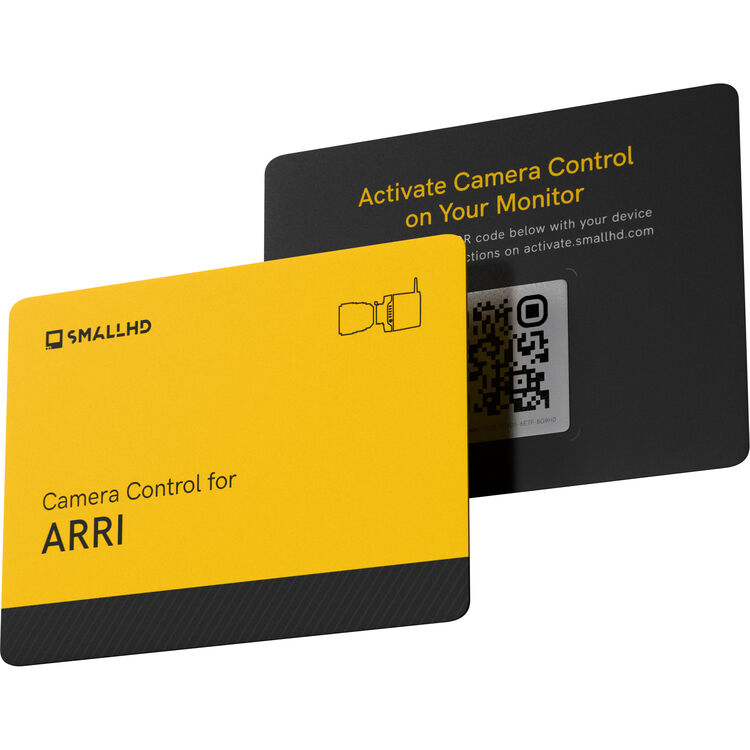
The Cine 7 monitor, when paired with the Ultra 5 or Cine 7, allows for real-time configuration of ALEXA Mini, ALEXA Mini LF, and AMIRA cameras. This is made possible through a software-license download card and control cables, providing users with an intuitive and user-friendly way to access essential ARRI camera settings.
The camera control access includes features such as record start and stop, playback control, timecode and project rate settings, and various camera information such as serial number and recording mode. With this kit, filmmakers can take their camera control to the next level and easily manage their camera settings on the go.
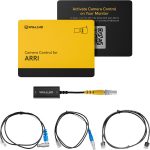
Included in box
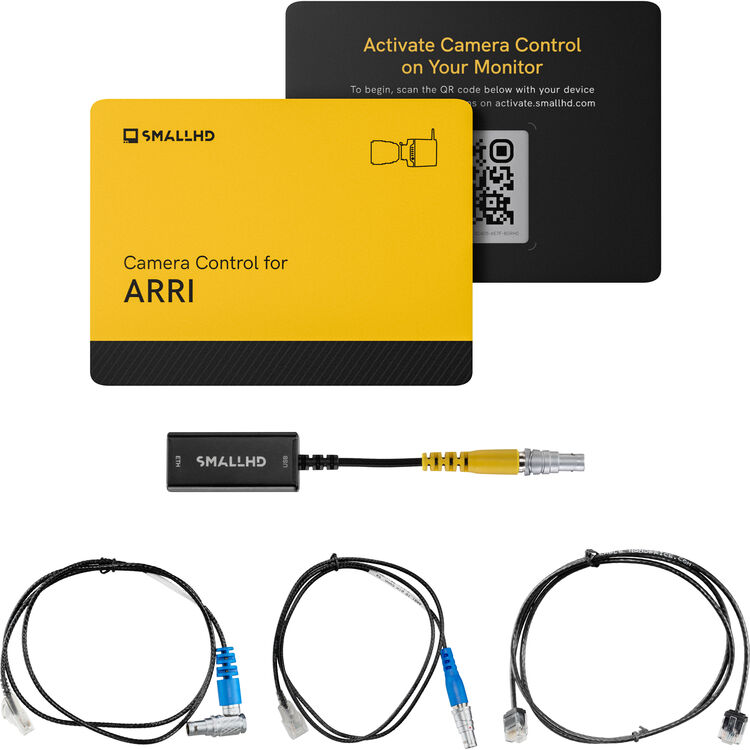
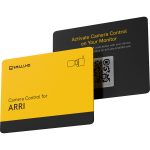
1x Camera Control Kit for ARRI (Ultra 5, Ultra 7, Cine 7)
1x Right Angle Camera Control Cable for ARRI Alexa
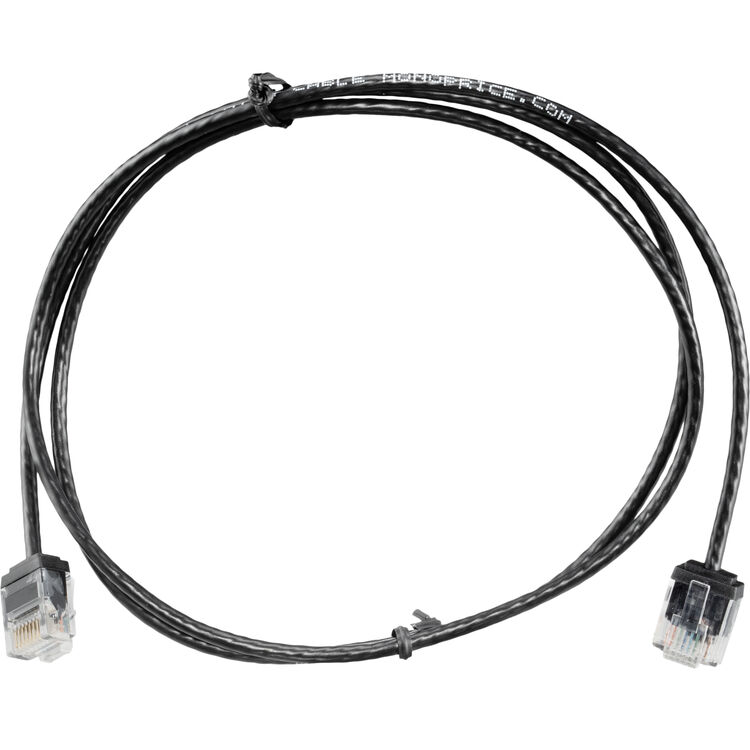
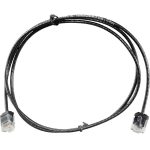
1x 36-inch 10-Pin ARRI Alexa to Ethernet Camera Control Cable
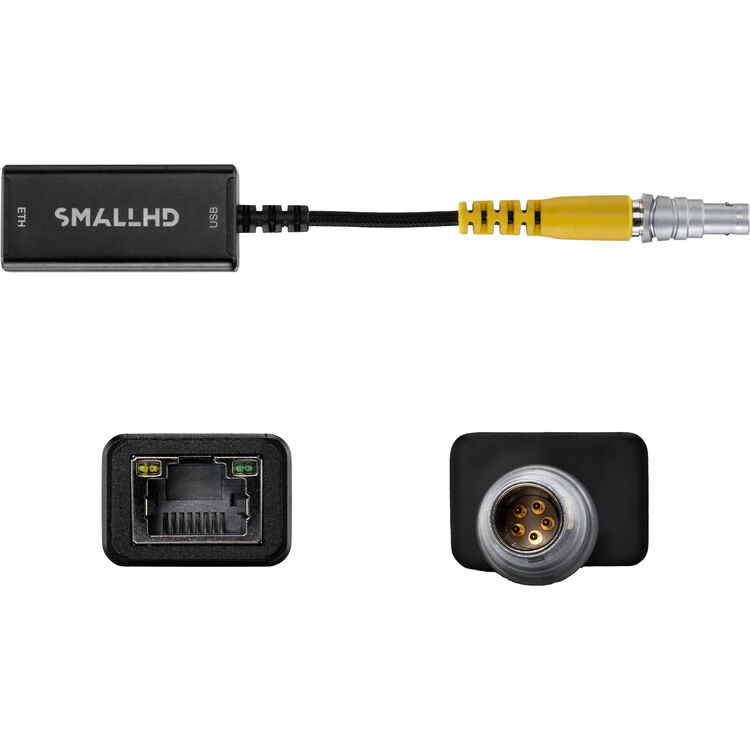
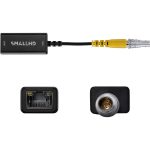
1x 5-pin-ethernet-adapter
About the SmallHD Camera Control Kit for ARRI
Take your Ultra 5, Ultra 7, Ultra 10 or Cine 7 to the next level with intuitive camera-control software. This kit includes a software-license download card and control cables that enable real-time configuration of Alexa Cinema Cameras, including the ALEXA 35. Quickly access essential ARRI camera settings with intuitive, user-friendly controls on the Ultra 5, Ultra 7 or Cine 7 monitors from SmallHD.
Camera Control Access:
RecordStart, RecordStop, Playback Control, Set & Read TC, Set & Read Project Rate, Read & Set System Date/Time, Read Clip List from Medium, Camera Type, Camera Serial, Camera State, Look Filename, Color Temperature, Tint Variable, Exposure Index, Sensor FPS List, Sensor FPS, Shutter Angle List, Shutter Angle, Exposure Time List, Exposure Time, Exposure Index List, ND Filter List, ND Filter, White, Balance List, Media Status, Recording Mode, Clip Scene, Clip Take, Medium Type, Model, Name, Serial Number, Clip Count, Current Reel, Medium Size, Medium Status, Write Protection, Clip, Count, Current Reel, Free Capacity, Clip Filename, Clip UUID, Clip Project Rate, Clip Start TC, Clip Duration TC
Disclaimer: Once any camera control is registered in your SmallHD monitor, it can not be removed or transferred to a different monitor